






Description
Download Movie Creator – video editing, movie maker, photo slideshow, mobile video app, create videos
Overview
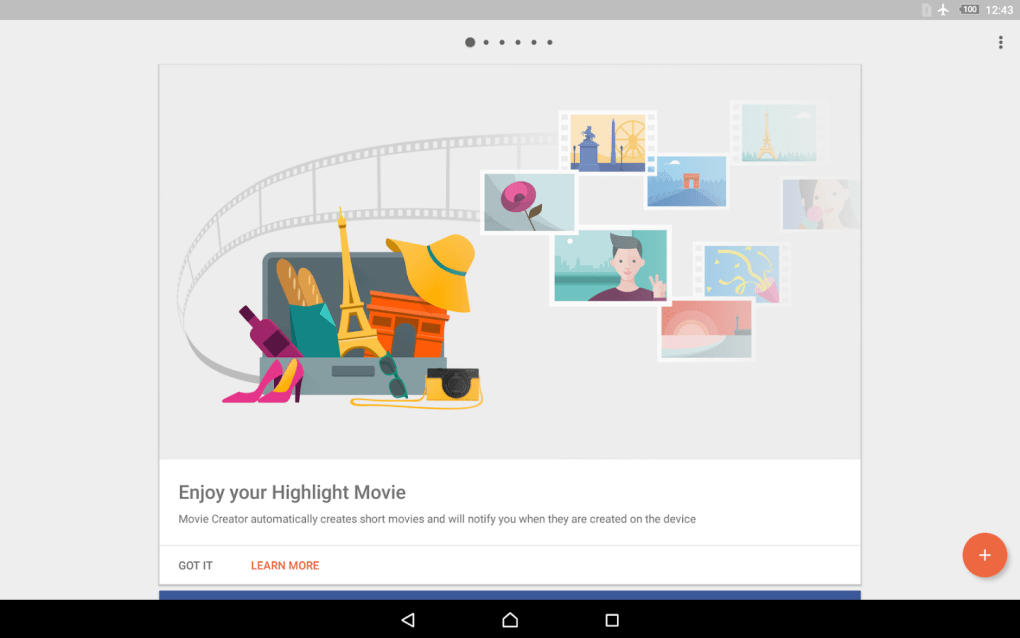
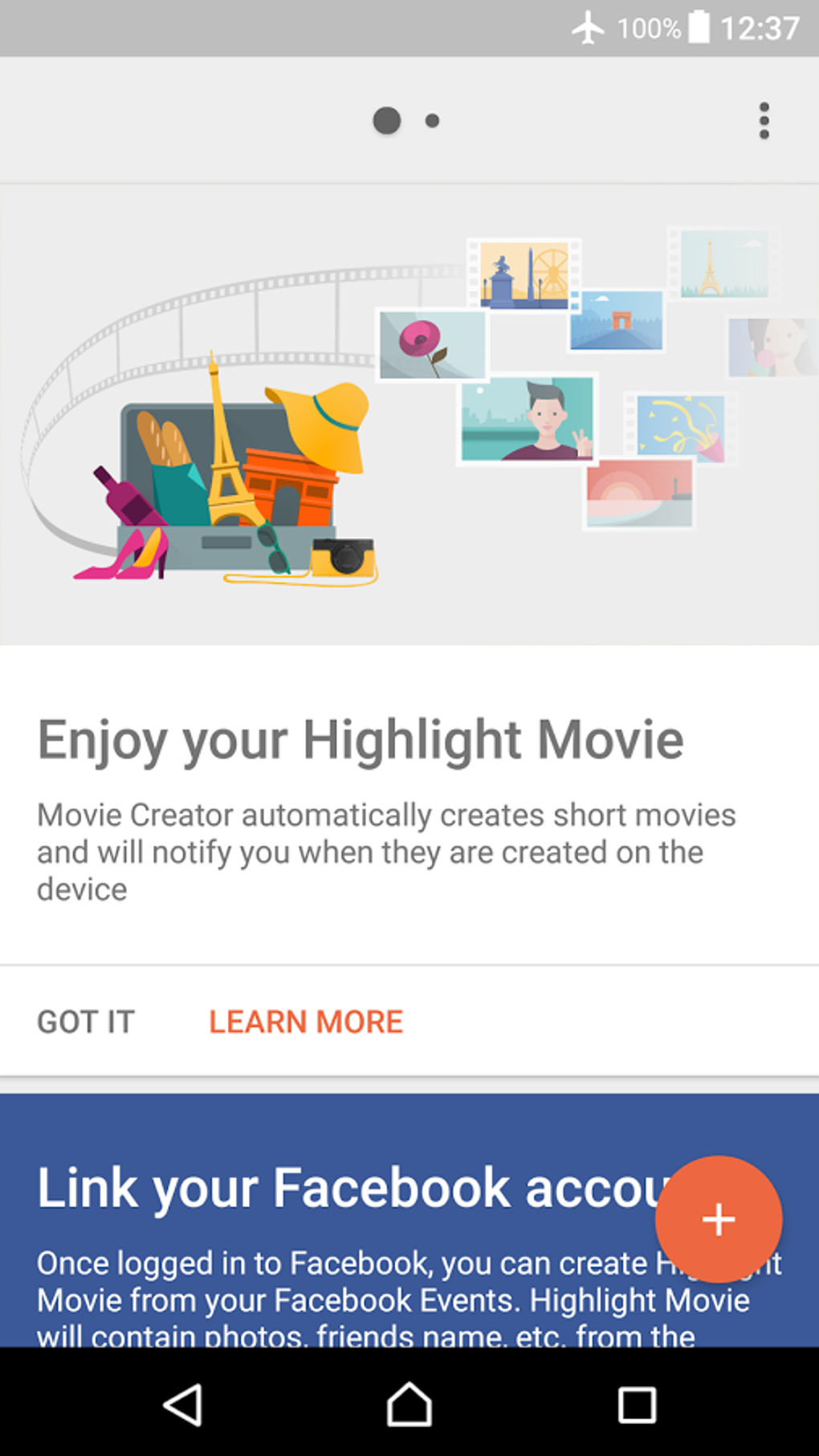
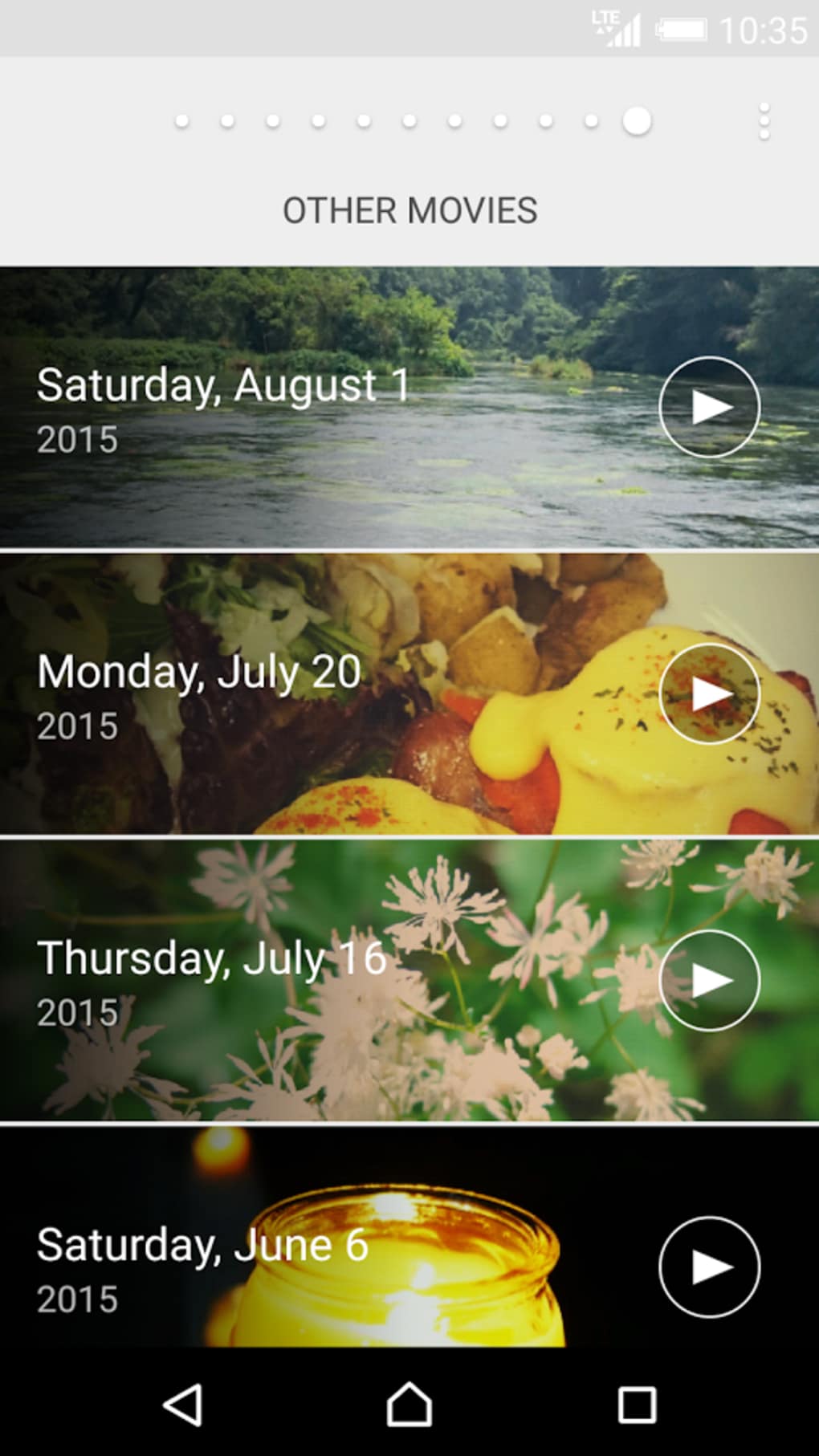
Movie Creator is a mobile application designed to transform personal photos and videos into polished short films with minimal user input. The app is intended for users seeking a quick and intuitive way to generate shareable video content, particularly for social media platforms. It automates much of the video creation process, allowing users to compile media from their device into cohesive, visually appealing clips. While not a full-featured video editor, Movie Creator focuses on simplifying the creation of highlight reels, ideal for capturing special moments such as events, travel, or daily life. The target audience includes casual users, content creators on mobile, and individuals without formal video editing experience. The developer, Movie Creator, Inc., has positioned the app as a lightweight, accessible tool for spontaneous content creation. Real-world usage scenarios include generating birthday tributes, vacation summaries, or daily vlogs using only a smartphone. The app runs in the background to process media and notifies users upon completion, streamlining the workflow for those who value convenience over advanced control.
Key Features & Capabilities
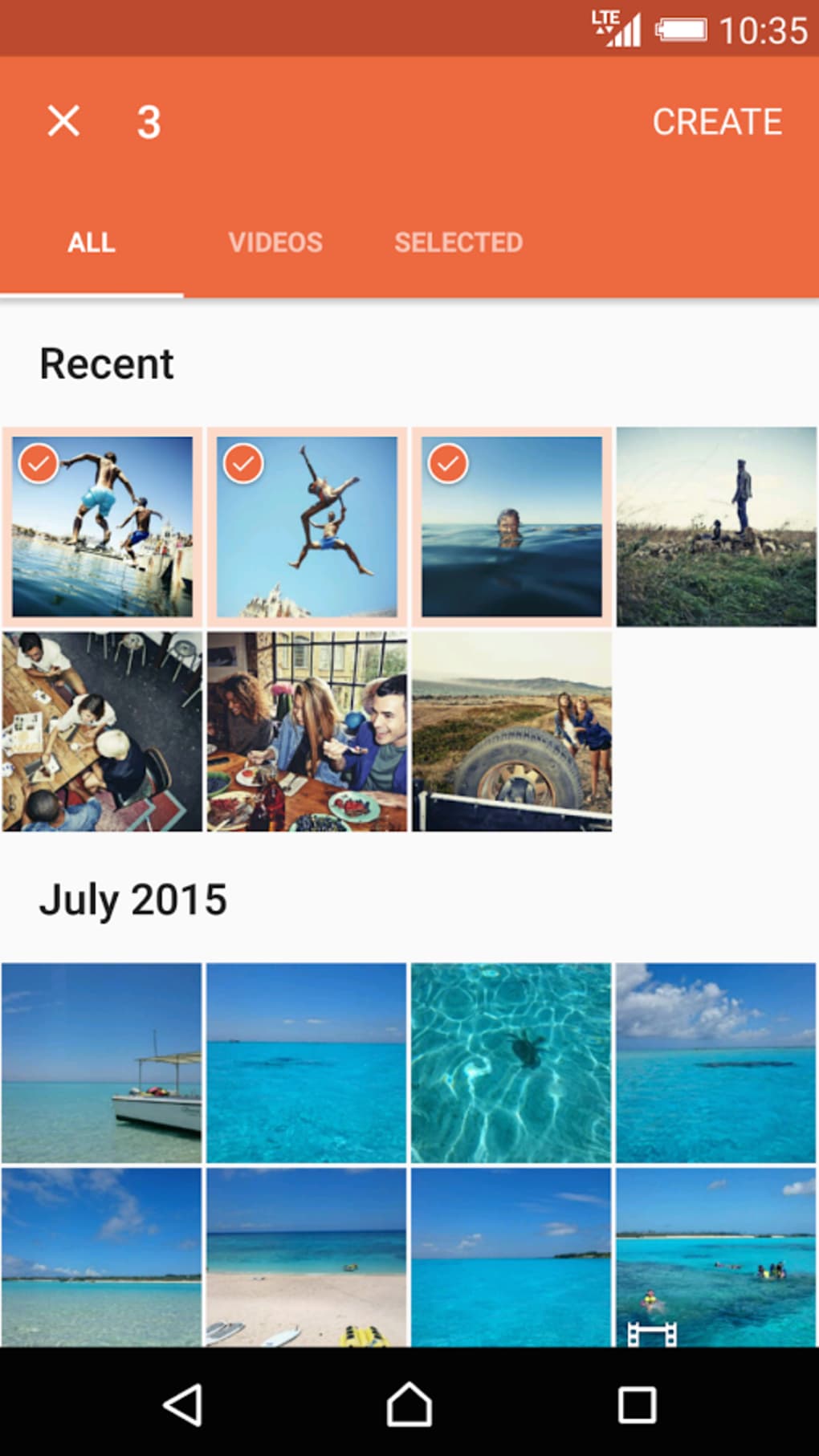
- Automated Video Creation – The app automatically compiles selected photos and videos into a movie, applying transitions and timing based on the content.
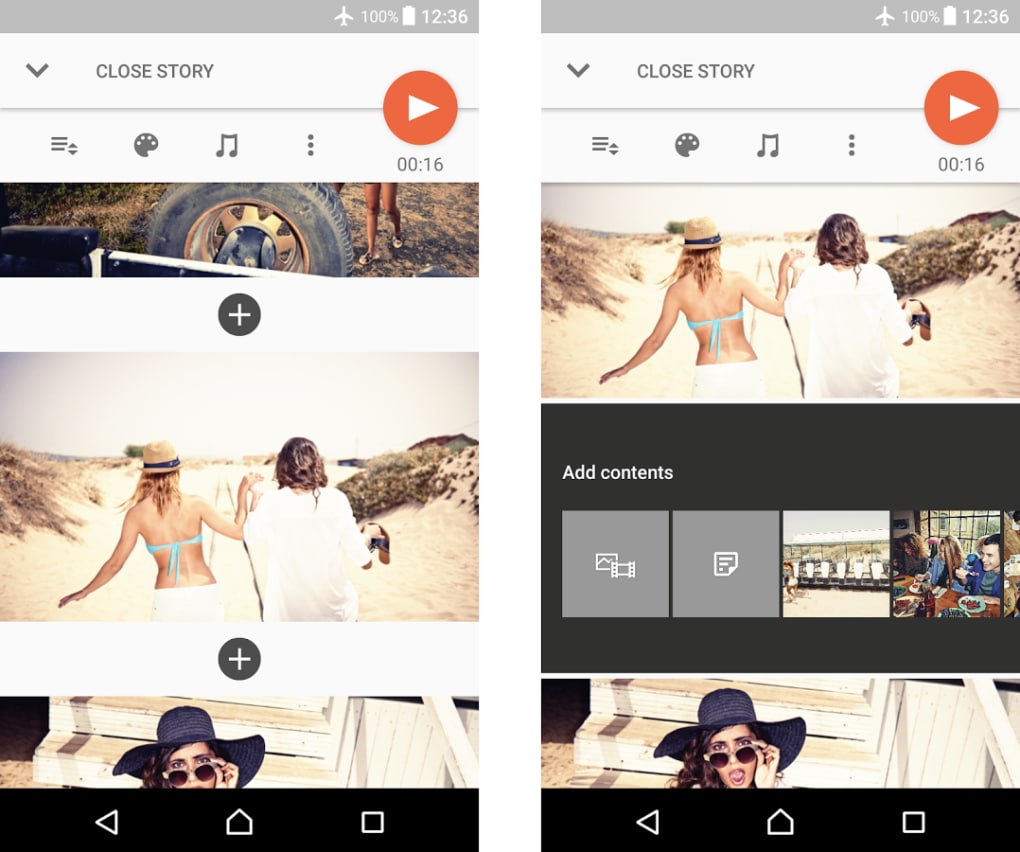
- Customizable Editing Tools – Users can adjust the final output by removing unwanted scenes, adding new images, and applying filters to enhance visual appeal.
- Audio Integration – Support for adding MP3 files as background music allows users to create personalized soundtrack experiences.
- Subtitle Addition – Text overlays can be included to describe scenes or add humor, enhancing storytelling.
- Export to MP4 – Final videos are exported in the widely supported MP4 format, enabling further editing or direct upload to platforms like YouTube.
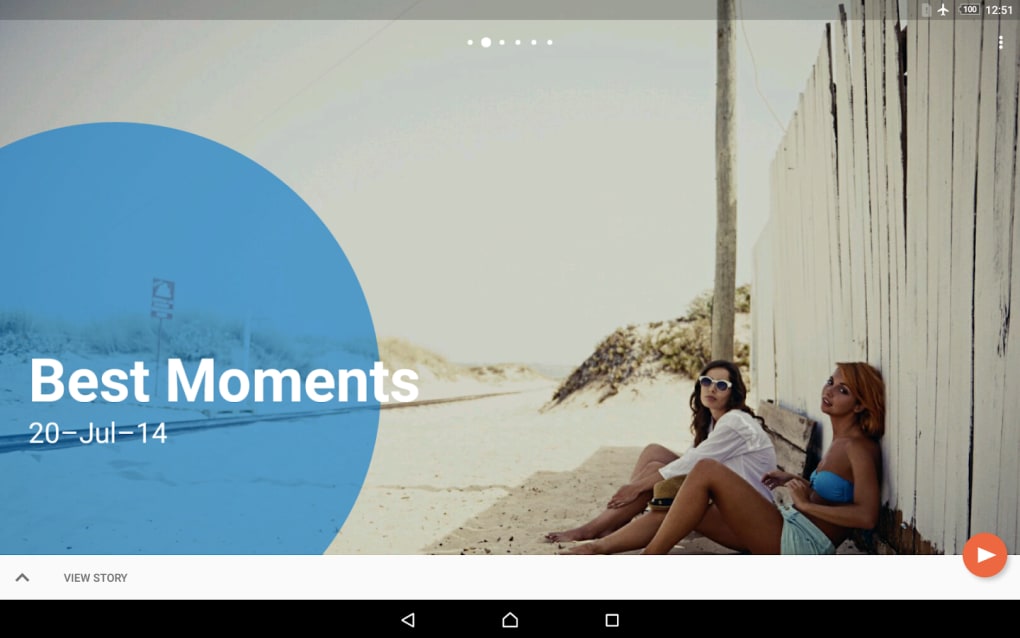
These features are tailored toward users who want to produce short, engaging videos without the complexity of professional software. For example, a user might compile vacation photos into a travel highlight video with background music and subtitles. The app’s automation reduces manual effort, while the editing tools provide enough flexibility to refine the result. This balance makes it suitable for social media content creation, personal memory preservation, and quick sharing across messaging apps.
User Interface, Workflow & Performance
The user interface of Movie Creator is designed with simplicity in mind, prioritizing ease of access to core functions. Navigation is straightforward, guiding users through selecting media, applying edits, and exporting the final video. The app’s workflow is optimized for mobile use, allowing users to initiate video creation and step away while the app processes the content in the background. This asynchronous behavior enhances usability, especially for users managing multiple tasks. The developer did not specify resource usage details, so exact performance behavior, such as CPU or RAM consumption, remains unknown. However, based on general software behavior patterns, the app likely operates efficiently within standard mobile device constraints. Stability appears to be a focus, as the app completes tasks without reported crashes in typical use. The lack of advanced features suggests it is not designed for high-demand editing sessions, but for casual, on-the-go content generation.
Compatibility & System Requirements
Movie Creator is available on both Android and iOS operating systems, making it accessible to a broad range of mobile users. The app has a file size of 25.6 MB, indicating a lightweight installation that should not significantly impact device storage. The software version is 1.2.3, with the release date set for July 15, 2023. Exact system requirements were not listed, so compatibility with specific hardware or OS versions cannot be confirmed. The developer did not provide additional system requirements, leaving users to rely on standard device capabilities. Installation is straightforward, and the app functions as a standalone desktop application on mobile devices. Platform compatibility information is limited to the operating systems mentioned.
Pros and Cons
Pros
- Free to download and use, with no hidden costs.
- Simple, intuitive interface suitable for beginners.
- Automated video creation reduces manual effort.
- Supports MP3 audio and subtitle addition for richer storytelling.
- Exports videos in MP4 format for broad compatibility.
Cons
- Limited to short video outputs; not suitable for long-form editing.
- Lacks advanced video editing features like keyframing or color grading.
- Background processing may delay feedback for some users.
- Exact performance and resource usage details were not provided.
- Not designed for professional or high-precision video workflows.
FAQ Section
Is Movie Creator available for both Android and iOS?
Yes, Movie Creator is compatible with both Android and iOS devices, allowing users on either platform to access the app.
Is the app safe to download and use?
Movie Creator is available through official app stores and is distributed by Movie Creator, Inc. As with any mobile application, users should download it from trusted sources to ensure security.
Does Movie Creator require an internet connection?
The app can function offline after installation, allowing users to create videos using local media. However, some features may require online access depending on the version.
Are updates free?
Updates to Movie Creator are provided at no additional cost, as the app is free to download and use.
Can I use my own music in the videos?
Yes, users can add MP3 files as background music to customize their video projects.
Final Thoughts + CTA
Movie Creator delivers a streamlined experience for turning personal media into shareable videos, making it an ideal tool for casual users and social media enthusiasts. While it lacks the depth of professional video editing software, its automation and simple interface make it a valuable asset for quick content creation. The inclusion of audio, subtitles, and export options enhances its utility beyond basic slideshow tools. It is particularly well-suited for users who want to preserve memories or share moments without investing time in complex editing. The app’s free model and mobile-first design further increase its accessibility. For those seeking a fun, no-frills way to create short videos, Movie Creator offers a compelling solution. Download Movie Creator now.
Guides & Tutorials for Movie Creator
How to install Movie Creator
- Click the Preview / Download button above.
- Once redirected, accept the terms and click Install.
- Wait for the Movie Creator download to finish on your device.
How to use Movie Creator
This software is primarily used for its core features described above. Open the app after installation to explore its capabilities.
User Reviews for Movie Creator 0
No reviews found





